TABLE OF CONTENTS
Summary
You may want to record when referrals have been made. The referral feature in MyConcern makes this easy to keep track of and can be used for reporting purposes.
This will need to be enabled in the admin area and configured with agencies and outcomes relevant for your school/trust.
How to enable and configure referrals
You will need Account Admin permissions to configure referrals.
- Go to the Admin tab
- Click Referrals
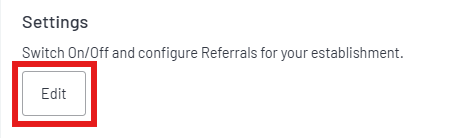
- Click edit under Settings
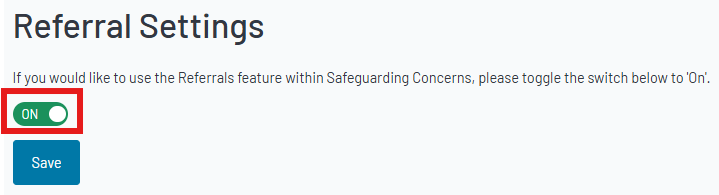
4. Switch the toggle to On to enable referrals and click Save
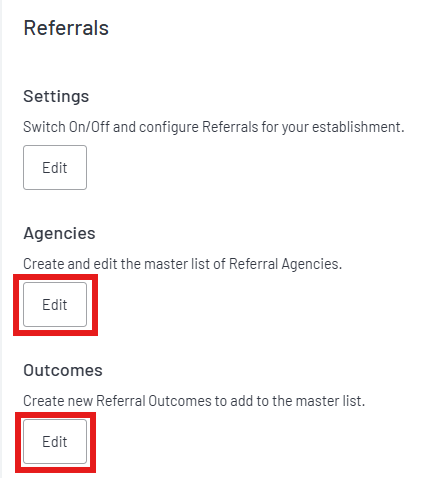
5. Once you have enabled referrals, you can add agencies and outcomes by clicking edit
Agencies
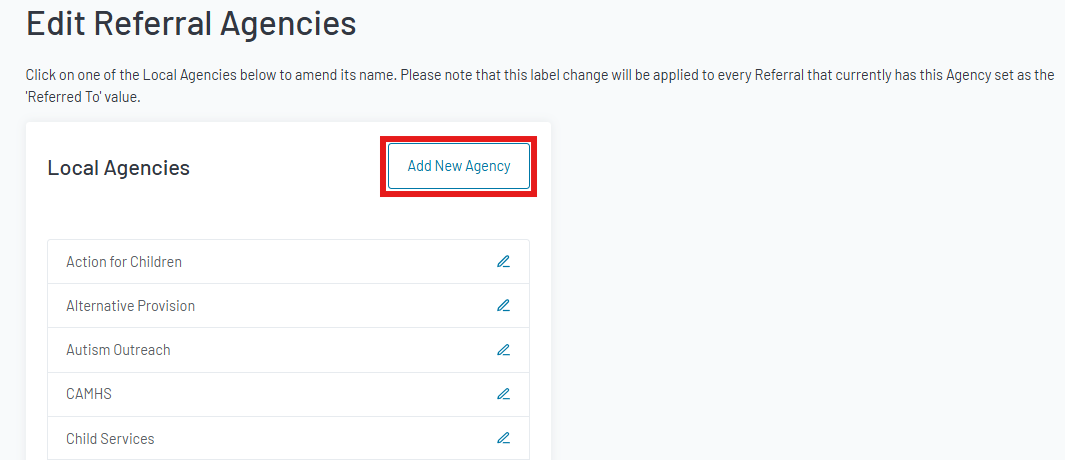
6. Click Add New Agency to create a new agency.
Note: Agencies cannot be deleted, only edited. Please check the list before adding a new one to prevent duplicates.
7. Enter the agency name in the pop-up and click Save the agency
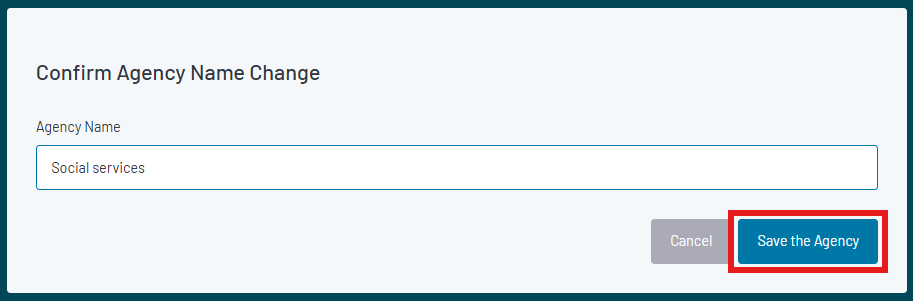
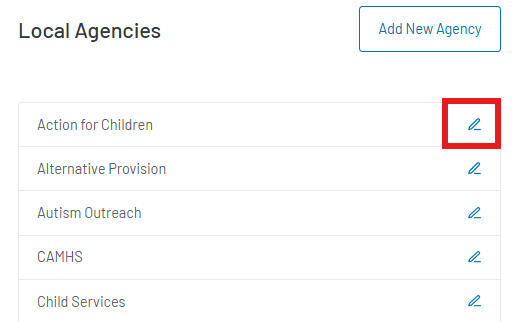
8. To edit an agency, click on the pencil icon next to it
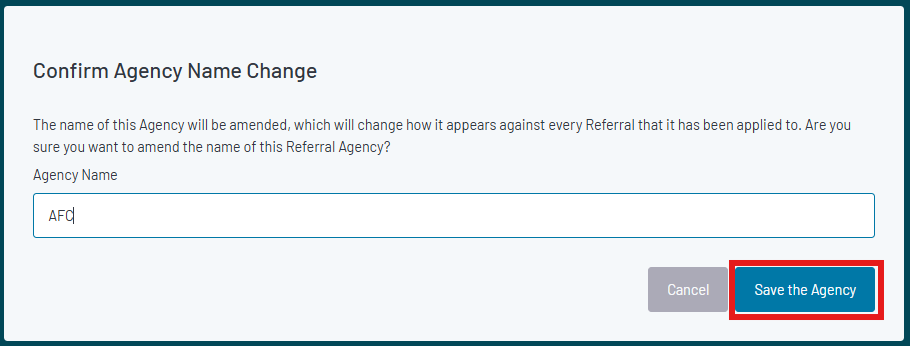
9. Amend the name in the pop-up and click Save the agency
Note: Any referrals linked to the amended agency will be updated
Outcomes
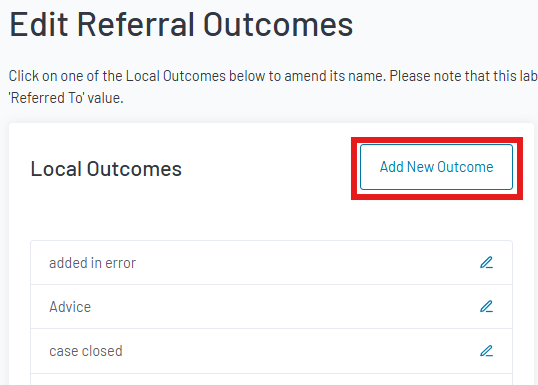
10. Click Add New Outcome
Note: Outcomes cannot be deleted, only edited. Please check the list before adding to avoid duplicates.
11. Enter the outcome in the pop-up and click Save the outcome
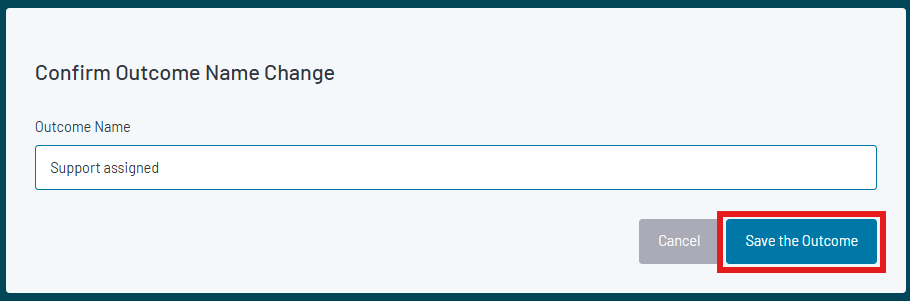
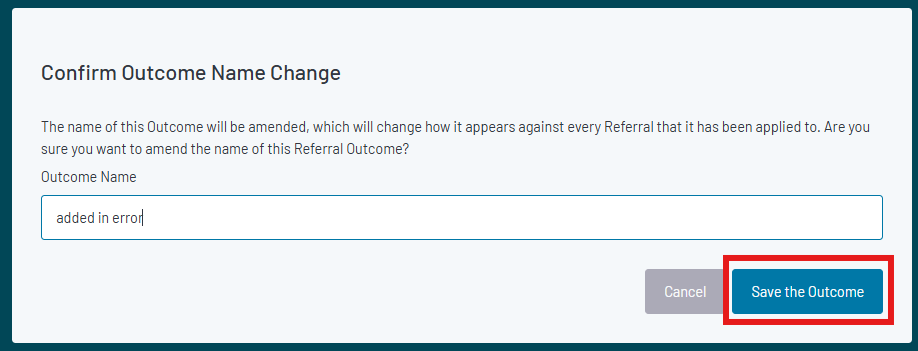
12. To edit, click the pencil icon next to the outcome. Amend in the pop-up and click Save the outcome
Was this article helpful?
That’s Great!
Thank you for your feedback
Sorry! We couldn't be helpful
Thank you for your feedback
Feedback sent
We appreciate your effort and will try to fix the article