TABLE OF CONTENTS
Summary
Profile flags can be useful for recording specific characteristics on a pupil's profile. For example, medical or behavioural conditions, family arrangements, learning needs or home/life experiences. These flags are visible in the profiles dashboard and can be useful in reporting.
If your MIS has been integrated with MyConcern, some of flags may be imported automatically. These imported flags cannot be removed or edited through MyConcern.
This article will explain how you can add and apply bespoke profile flags to profiles. These are Local flags and can be managed and edited through MyConcern.
Creating your bespoke Profile Flags (Local Flags)
You will need Account Admin permissions to manage the origin of concern.
- Go to the Admin tab
- Click Profiles
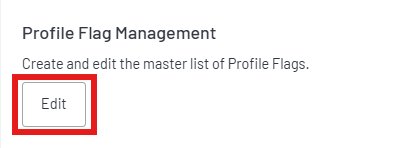
- Click edit under Profile Flags
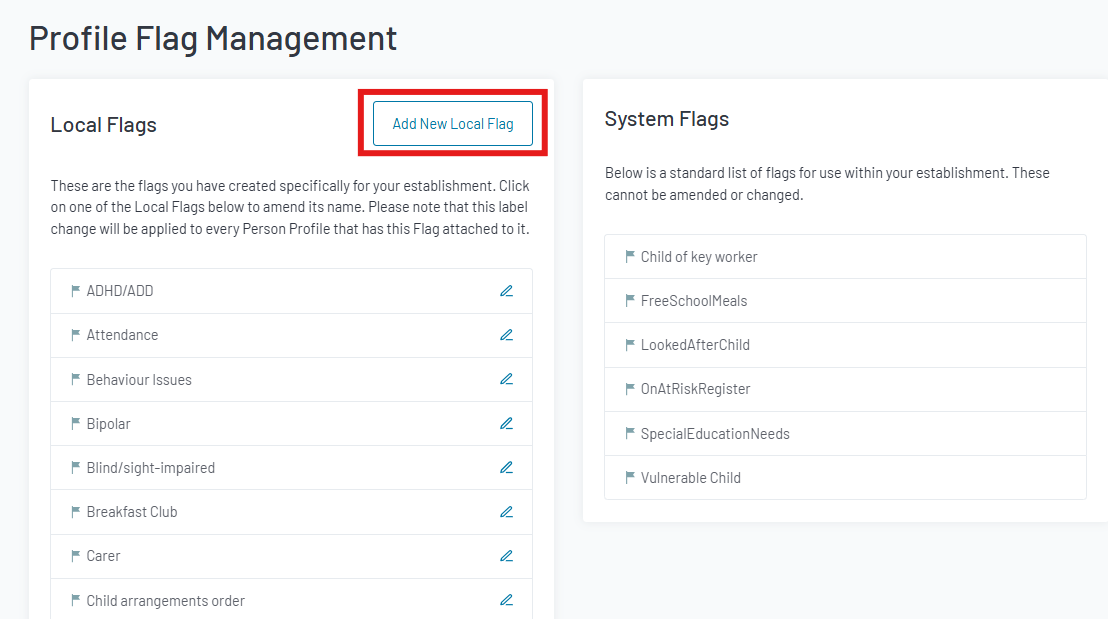
4. Click Add New Local Flag
Note: Local flags (created in MyConcern are editable but cannot be deleted. Check the list before adding in a new flag to avoid duplicates)
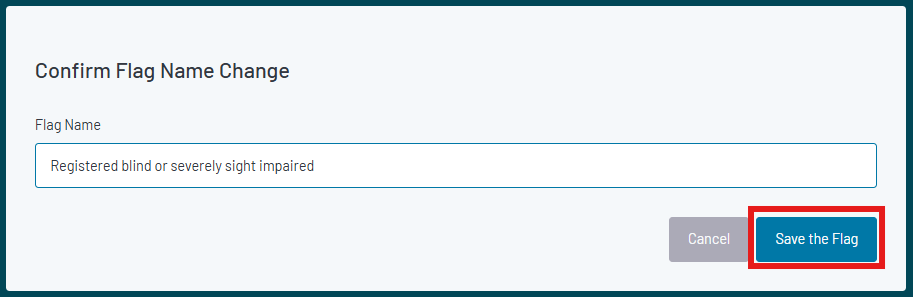
5. Enter the name of the flag in to the pop-up and click Save the flag
Editing profile flags
1. Follow steps 1-3
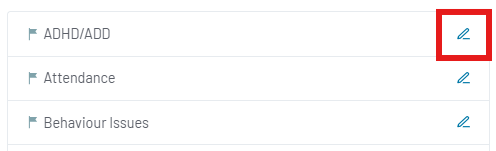
2. Click on the pencil icon next to the flag you need to edit
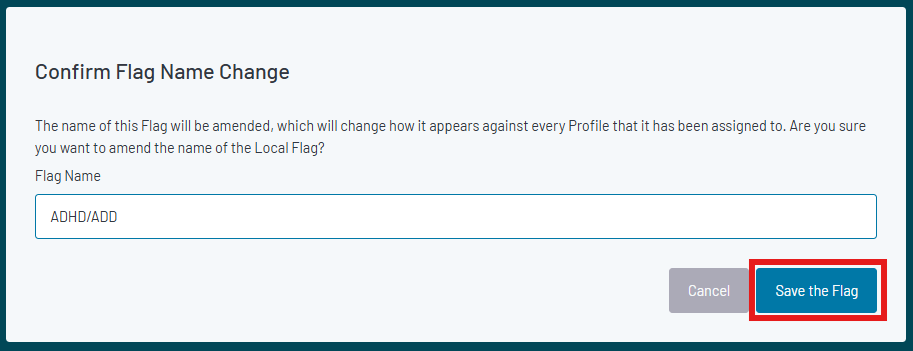
3. Amend the flag name in the pop-up and click Save the flag
Managing Flags within a Profile
First open the profile you would like to add a profile flag to.
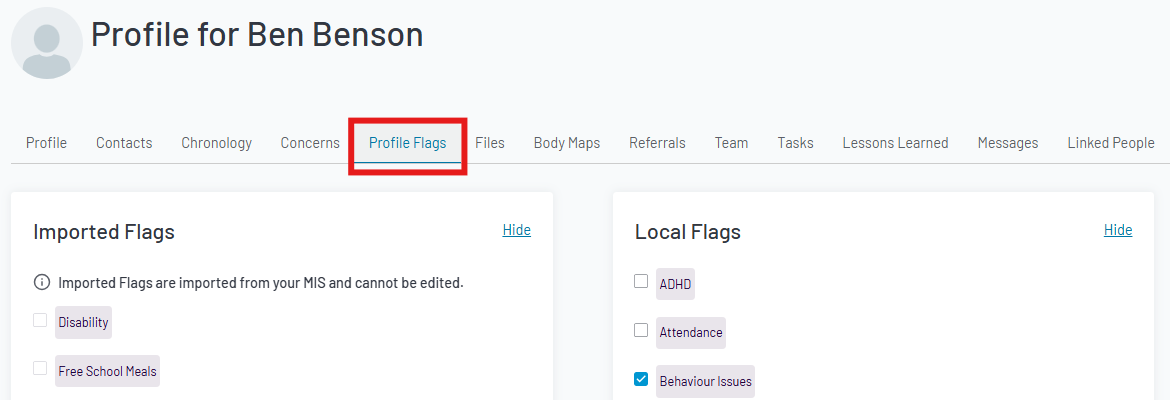
1. Click the Profile Flags tab
Imported flags show on the left (cannot be changed in MyConcern) and Local flags on the right (can be changed in the admin area)
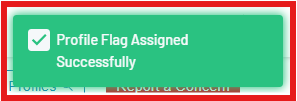
2. Tick the box next to the required flag to apply or remove it from the profile. The green banner in the top right corner with confirm that this has successfully been assigned/unassigned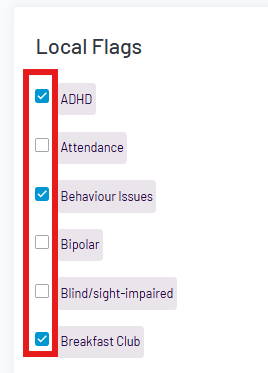
The profile flags can be seen and used to filter the profiles dashboard
Was this article helpful?
That’s Great!
Thank you for your feedback
Sorry! We couldn't be helpful
Thank you for your feedback
Feedback sent
We appreciate your effort and will try to fix the article