TABLE OF CONTENTS
Summary
This article will explain how to set up and manage your concern filing reasons. This is essential if you would like to use a prefilled list of filing reasons when triaging a concern.
If you are trying to file a concern and it won't let you because the drop down list is empty. This is because filing reasons are enabled and mandatory but a list hasn't been created.
Concern filing reasons make filing more efficient and can help you create more consistent reports on the reason concerns were filed.
How to create concern filing reasons
To manage your concern filing reasons you will need Account Admin permissions.
- Go to the Admin tab
- Click Concerns
- Click edit under Concern Filing Reason Management
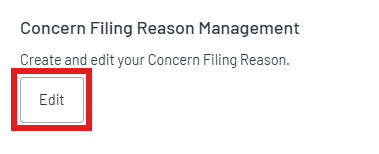
4. Here you can add as many reasons as you see fit by clicking ‘add new reason’ as shown below
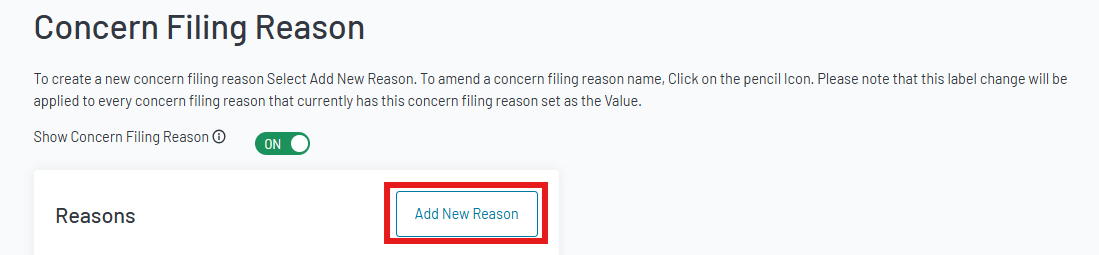
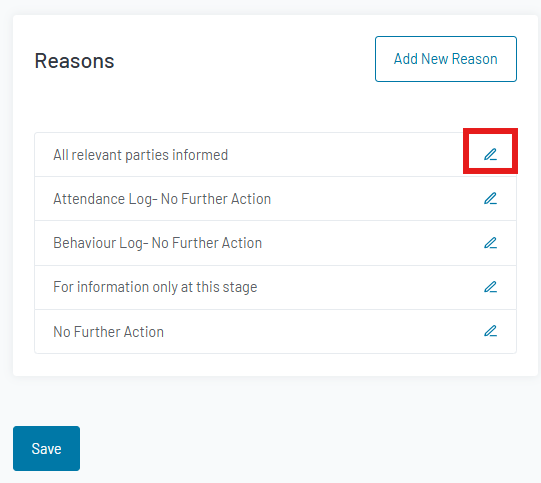
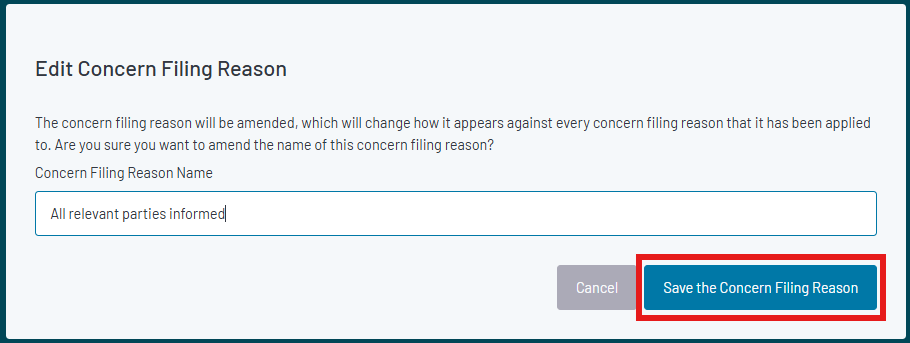
6. In the pop-up, you can amend the reason and then click save
7. Now you have created your reasons, they will be available to choose from whenever you file a concern.
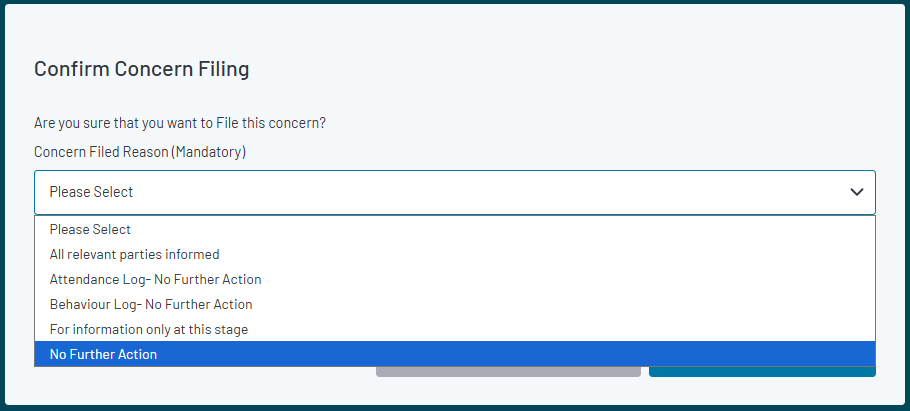
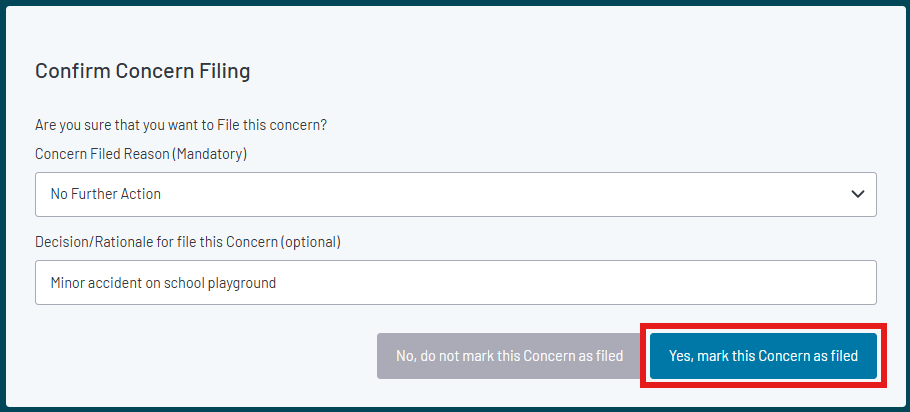
8. Once you have selected one of your reasons click on ‘Yes/mark the concern as filed’
Was this article helpful?
That’s Great!
Thank you for your feedback
Sorry! We couldn't be helpful
Thank you for your feedback
Feedback sent
We appreciate your effort and will try to fix the article